CLI Quiz using nodeJS
november 2020 3 min read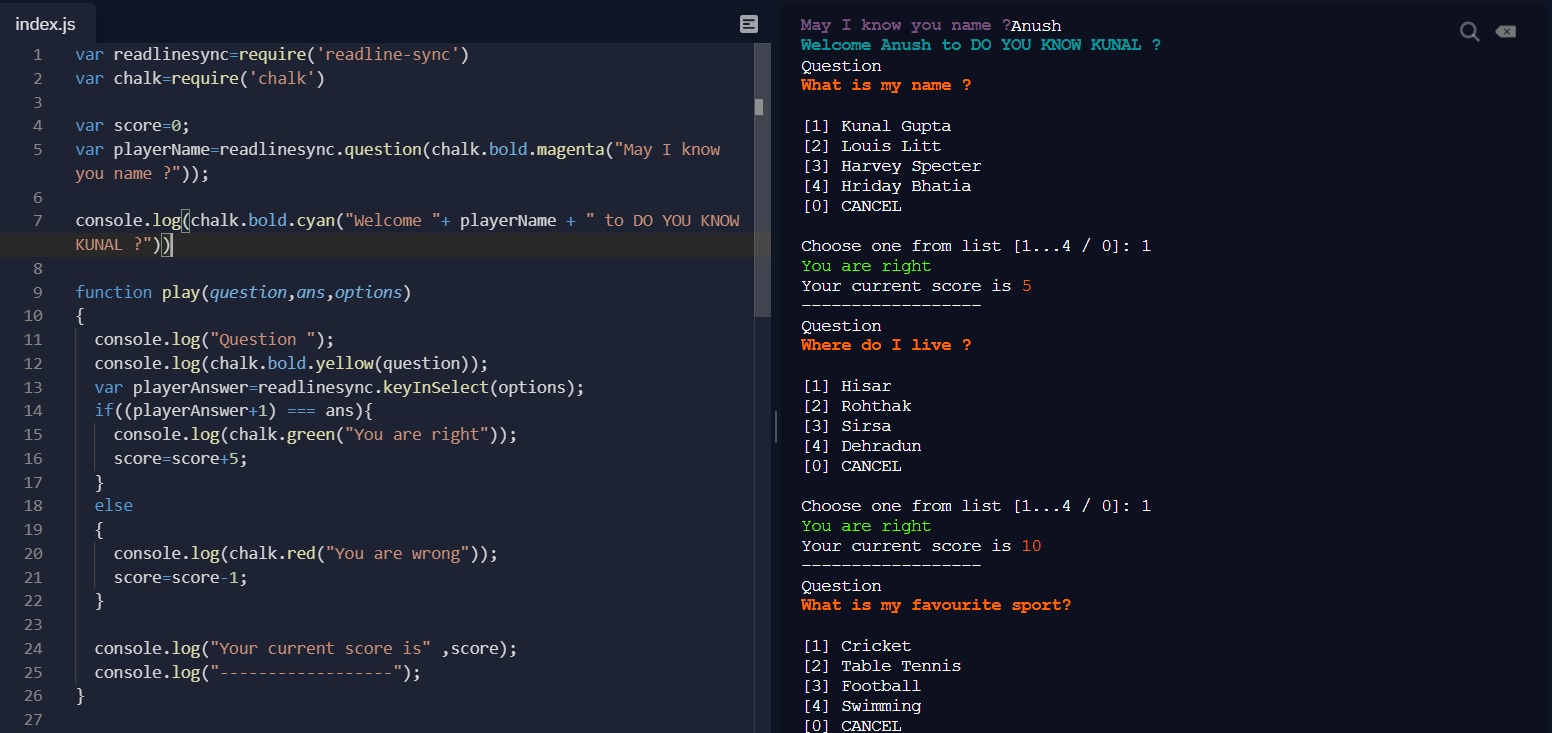
Your average neighborhood programmer’s first blog about a fun CLI Quiz made in JavaScript. I decided to share my first ever implementation as I thought it would help others who want to start in JavaScript, open for extension, and it requires only JavaScript. Writing this implementation was fun and challenging (once you find solutions for all the problems you encounter along the way). I got some sense of accomplishment after working on this. In this article, I will present the solution that I ended up using. Let us dive in.
Features of the CLI QUIZ
1. One of the assumptions when I started on this project was to make this project understandable to anyone new to JavaScript, just like me. So I chose the online platform repl in which you start with writing and no manual setup.
2. It has basic concepts of objects, an array of objects, basic looping, functions, and conditional statements.
3 I have used a friendly npm package like chalk, which gives some colors for texts or helps make fonts style. I used readline-sync to take user input, which will be essential to interact with the player (otherwise how will you play 😊).
4. The quiz will be interesting if it has competition so this quiz has got a leaderboard which will show your position according to your score.
5. To make it more interesting, a bonus question has been made, which will only be accessible only if a specific condition is met.
Now the most exciting part
The Code
So the variable chalk and readlinesync are used to decorate and take player input, respectively. A leaderboard is an array of objects that will help us see the players’ scores, making it attractive and fun.

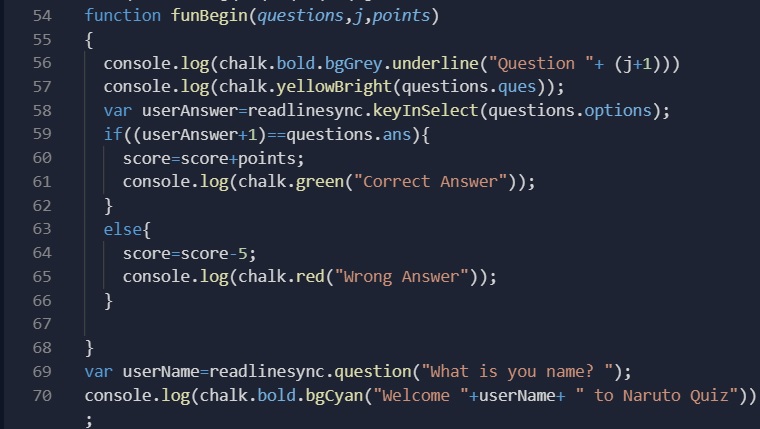
Now we got some questions and a bonus question that we will play only if we answer all the other questions correctly. I have a function funbegin whose purpose is to display the questions with their options and check whether the player’s answer is right or wrong. It also keeps track of your score.
As we move on, I have displayed some rules for the quiz.
Now we call the functions for the first five questions. If the score is 50 the player can play bonus questions; better luck next time (you can see how I used the conditional statement in this sentence).
Your final score with the scoreboard has been displayed. You can check your score and check how you played against the other players.
Go Ahead and play the quiz.
Closing Thoughts
I hope this implementation was easy to understand and easy to play. Any ideas and comments are welcome.